
.stk-4no1sct-column{justify-content:center !important}
.stk-jk6ioqf .stk-block-column__content{display:flex !important}.stk-jk6ioqf .stk-block-column__content{align-items:center !important}


.stk-cwcjnui .stk-block-column__content{display:flex !important}.stk-cwcjnui .stk-block-column__content{align-items:center !important}
.stk-mgte1fm .stk-block-column__content{display:flex !important}.stk-mgte1fm .stk-block-column__content{align-items:center !important}
.stk-bszwllh .stk-block-heading__text{color:var(–stk-global-color-31694,#252b30) !important}
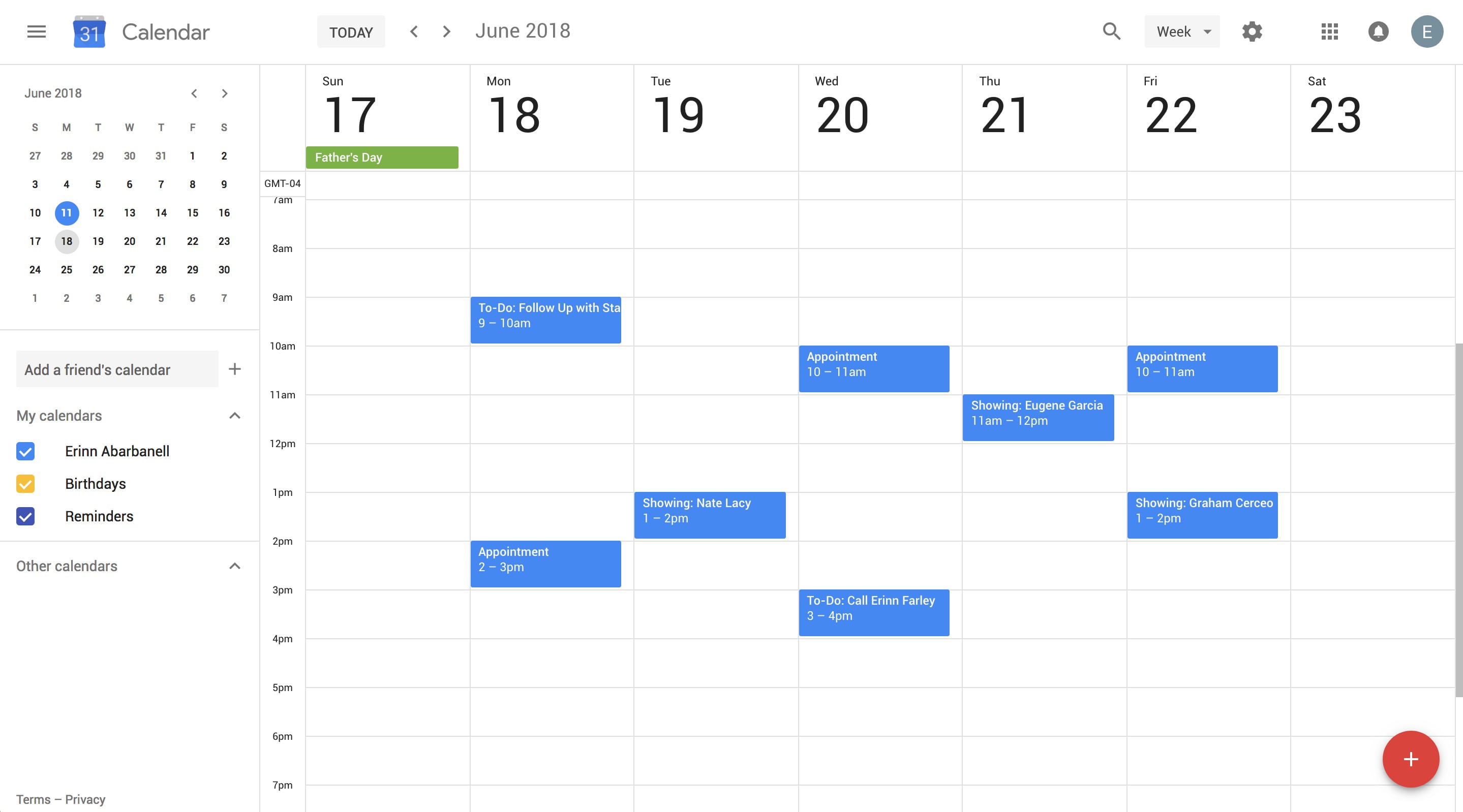
Google Calendar
.stk-lvgisai .stk-block-text__text{font-size:18px !important;color:var(–stk-global-color-69400,#767676) !important;line-height:1.5em !important;font-family:”Source Sans Pro”,Sans-serif !important}@media screen and (max-width:1023px){.stk-lvgisai .stk-block-text__text{font-size:18px !important}}
Schedule your appointments and to-do’s on Google Calendar. Just set up a to-do inside BoomTown’s CRM and we take care of the rest.
The post Google Calendar appeared first on BoomTown!.